

 Tom's Guide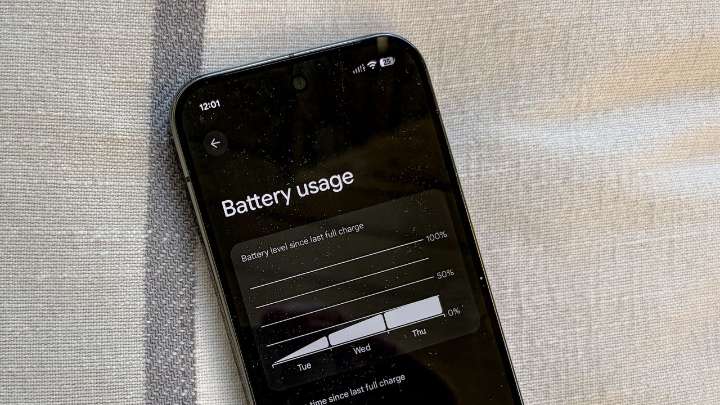
Even the best Android phones can struggle to last from breakfast to bedtime once you add 5G music and video streaming, bright 120Hz displays, and a day’s worth of scrolling – sorry, we mean work – into the mix.
Faster charging helps, as newer phones supporting speedier charge times can top off your battery faster than before. But if you are constantly eyeing your phone’s battery icon – or packing a power bank to go with your holiday travels – consider that a sign your settings need a tune-up.
The good news is that modern Android builds give you a lot of control over how apps behave in the background, how your screen sips power, and when extra features like 5G and Always-On Display are allowed to run.
Tweak a handful of options, adopt a couple of new habits, and you can stretch your batt

 The Daily Reporter
 ESPN Cricket Headlines
 HealthDay